
Mobile, Tablet & Web App
Your practice, wherever you work

Run your practice from anywhere, on any device
Your working day doesn't happen in one place, so your practice management app shouldn't either. Equigate runs as a mobile app on iPhone and Android, on your tablet, and as a web app in any browser on any computer.

Write appointment notes on your phone at the yard, show a client their report on your tablet, then catch up on invoicing from your laptop at home. Everything syncs automatically, so wherever you pick it up, you carry on exactly where you left off.
The right device for wherever you are
Use whichever suits the moment. Your clients, diary and records are the same on all of them.
Mobile app
On the goiPhone and Android. Your whole practice in your pocket, even in yards and fields with no signal.
- Appointment notes at the yard
- Checking your diary between visits
- Invoicing on the spot
- Working offline, syncing later
Tablet
Yard or clinicAll the convenience of the app with a bigger screen. Ideal when you want to go through things with your client.
- Anatomy diagram mark-up
- Showing clients their reports
- Going through forms together
- Detailed treatment notes
Web app
At your deskAny browser, any computer. Mac, Windows or Chromebook, just log in and go. Nothing to download or install.
- Admin sessions at home or the clinic
- Setting up report layouts and forms
- Invoicing and reconciling
- Broadcast messages to clients
One practice, every screen
Every feature, every device
No cut down mobile version and no desktop only extras. Client profiles, calendar, reports, messaging, invoicing, forms and exercise prescriptions are all available on the mobile app and the web app.
Pick up where you left off
Start a report on your phone and finish it on your laptop. Because everything syncs across your devices, you never have to remember which one you used.
Nothing to install on your computer
The web app runs in your browser, so there's no software to download, update or back up. Log in from any computer and your whole practice is right there.
A day with Equigate
One practice, one account, every device. Here's how it fits around a typical working day.
Plan your day
LaptopCheck your diary over a coffee, review today's appointments and reply to any client messages from the web app.
First visit of the day
PhoneNo signal at the yard? No problem. Write your appointment notes in the mobile app and they'll sync as soon as you're back in range.
Talk your client through it
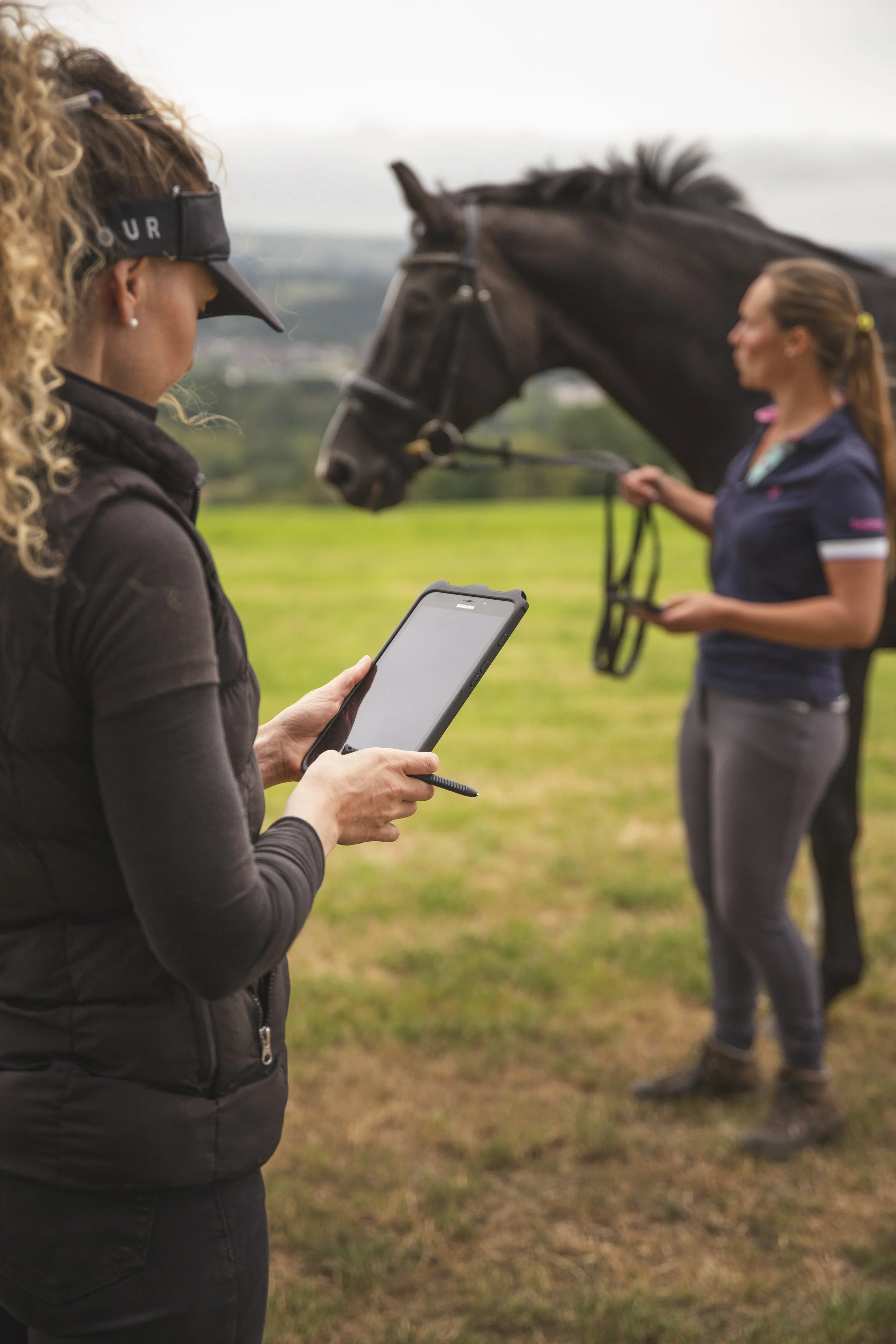
TabletMark up the anatomy diagram and walk your client through their report on the big screen, right there at the stable door.
Wrap up the admin
Laptop or phoneSend invoices, check what's been paid and see tomorrow's diary. Everything you did today is already there waiting for you.
No signal?No problem.
Works offline, syncs automatically
Rural yards and patchy signal come with the job. The Equigate mobile app keeps working offline, then syncs everything automatically once you're back online. Nothing lost, nothing to redo.
Get Equigate on your devices
Download the app for your phone or tablet, or open the web app in any browser. One login works on all of them.
Mobile and web app FAQs
Is Equigate available on iPhone and Android?
Can I use Equigate on a tablet?
Can I use Equigate on my computer?
Does Equigate work without signal?
Do I get every feature on mobile and web?
Will my work sync between my phone and computer?

Get A Free 30 Day Trial
Experience the full power. See for yourself why clients and professionals trust Equigate